
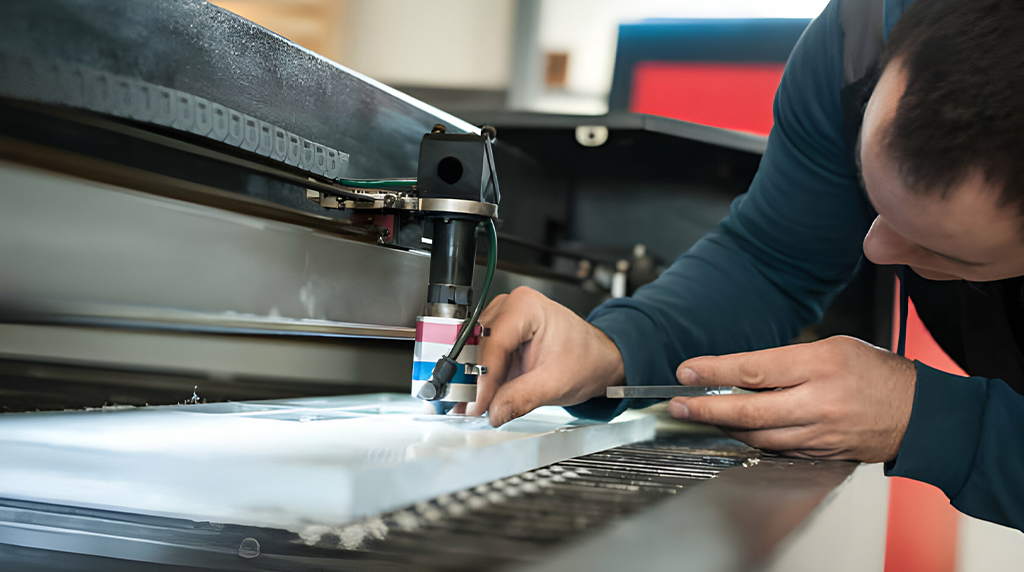
How to clean printer heads properly
Cleaning printer heads properly is essential to maintain clear, high-quality prints and prevent streaks or faded output. Over time, ink can dry or clog the tiny nozzles in the printer head, leading to poor print quality. The first step is to consult your printer’s manual or manufacturer instructions, as the cleaning method may vary depending on the model. Most modern printers offer a built-in cleaning feature accessible through the printer software on your computer or via the printer’s control panel. Running this automated cleaning cycle often resolves minor clogs without needing manual intervention.
For more stubborn clogs, you may need to clean the printer heads manually. Begin by turning off the printer and unplugging it from the power source to ensure safety. Remove the ink cartridges carefully and place them on a clean, lint-free cloth. Dampen another lint-free cloth or cotton swab with distilled water or a specialized printer cleaning solution. Gently wipe the printer head nozzles, taking care not to apply excessive pressure that could damage the delicate components. Avoid using tap water or harsh chemicals, as they can cause corrosion or further clogs.
After cleaning, reinstall the ink cartridges, close the printer, and run a test print to check if the issue is resolved. If necessary, repeat the cleaning cycle once or twice. Regular maintenance, including using the printer’s automated cleaning function and keeping the printer covered when not in use, helps prevent future blockages and ensures consistently sharp and vibrant prints. Proper care of printer heads can extend the life of your printer and maintain professional-quality output.


